From Post-Event Constraints to Global Reach: Introducing Manual Extra-Language Generation on TransVoicely
In the world of digital content — whether recordings of church services, corporate webinars, or community events — the end of a live session often feels like the end of the story. But what if it didn’t have to be?
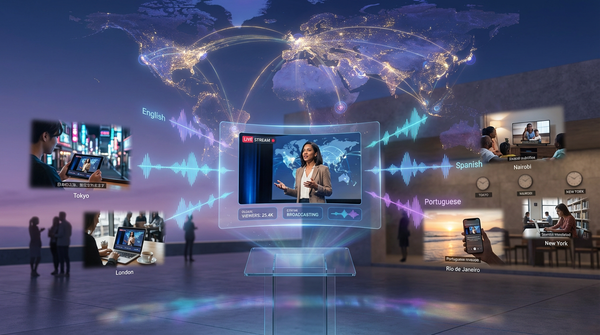
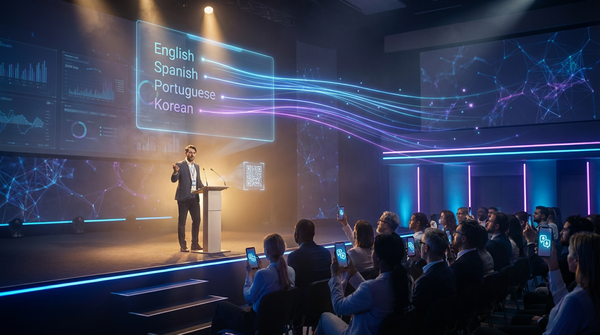
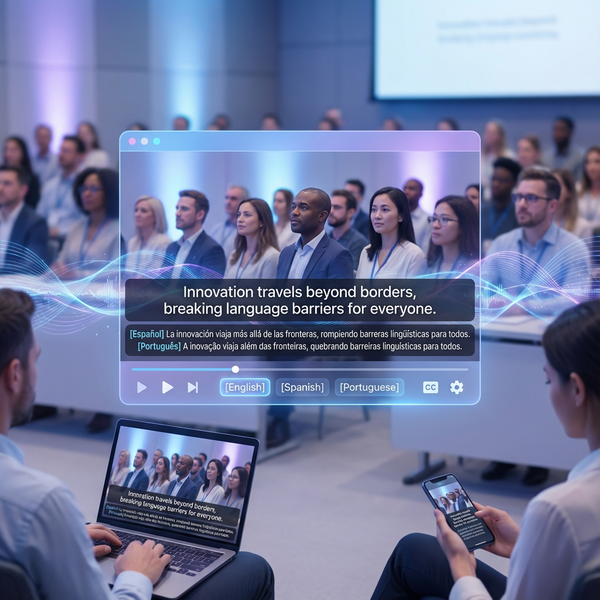
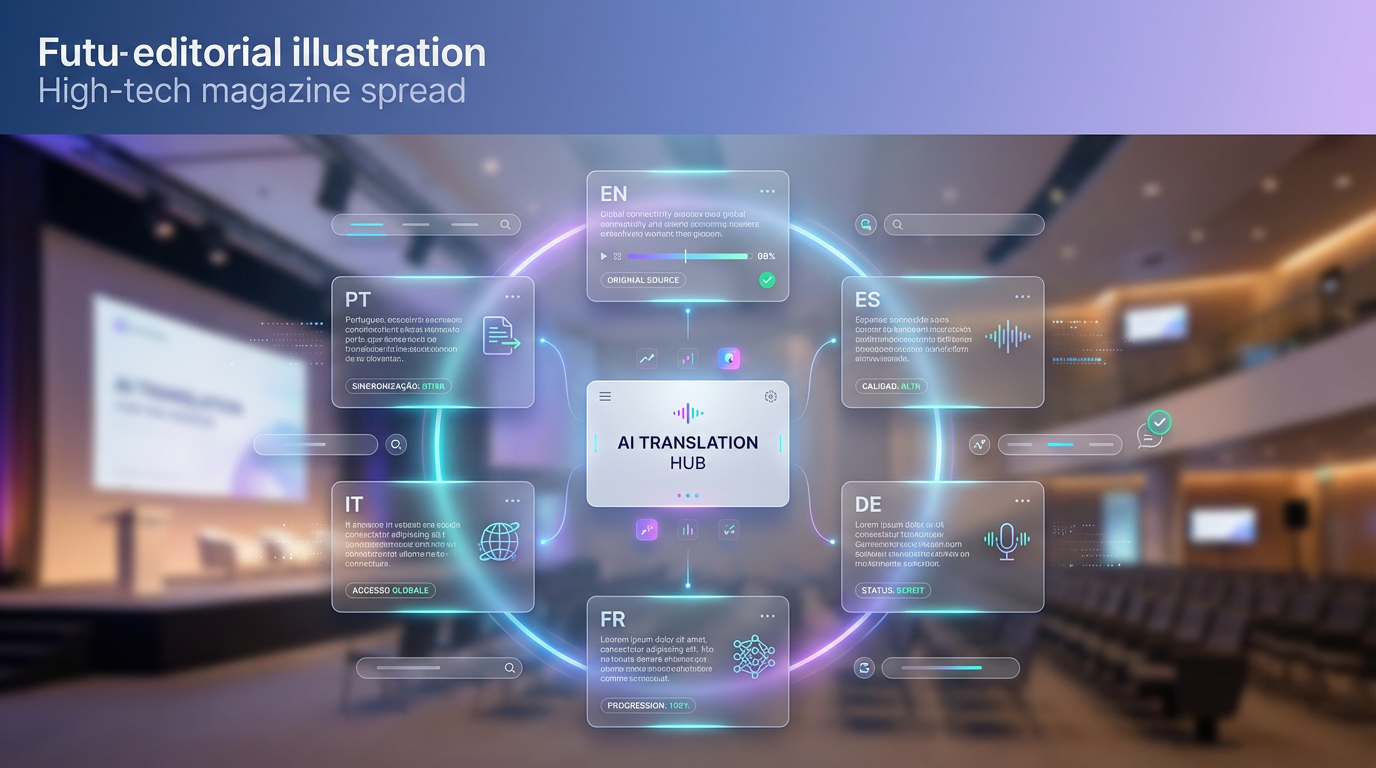
With the new Manual Extra-Language Generation feature from TransVoicely, an event’s lifecycle doesn’t stop at “live → replay”; it evolves into a truly multilingual asset — expanding reach, accessibility and value long after the cameras are off.
The Hidden Post-Event Problem
Many organizations face a familiar challenge:
- They stream live or upload recorded content in a few languages.
- After the fact, new audience demands emerge: a church community requests Spanish and French versions; corporate partners ask for German or Italian subtitles; distant viewers ask for voice-overs in Korean, Arabic, or Portuguese.
- But by that time, the “live window” is closed. Generating new translations or dubbing means starting from scratch — time-consuming, expensive, often impractical.
In short: even though you already have a perfect transcription and recording, it was nearly impossible to expand language support after the fact.
A Simple, Powerful Solution: Manual Extra-Language Generation
Now, TransVoicely enables you to add new languages to any completed project — at the click of a button.
Whether you need plain-text translations for subtitles, or full audio dubs via TTS — it’s all available, quickly, easily, and without redoing the entire workflow.
Benefits at a glance:
- ➤ Turn a single recording into a multilingual asset — post-event.
- ➤ Serve new international audiences without re-streaming or re-recording.
- ➤ Generate subtitles, audio dubs, summaries, and translated content with minimal effort.
- ➤ Expand reach, maximize ROI, and make your message globally accessible.
In short: one event, multiple languages — on demand.
How It Works: A User-Friendly Workflow
Here’s a walkthrough of how you can use the feature in the TransVoicely dashboard.
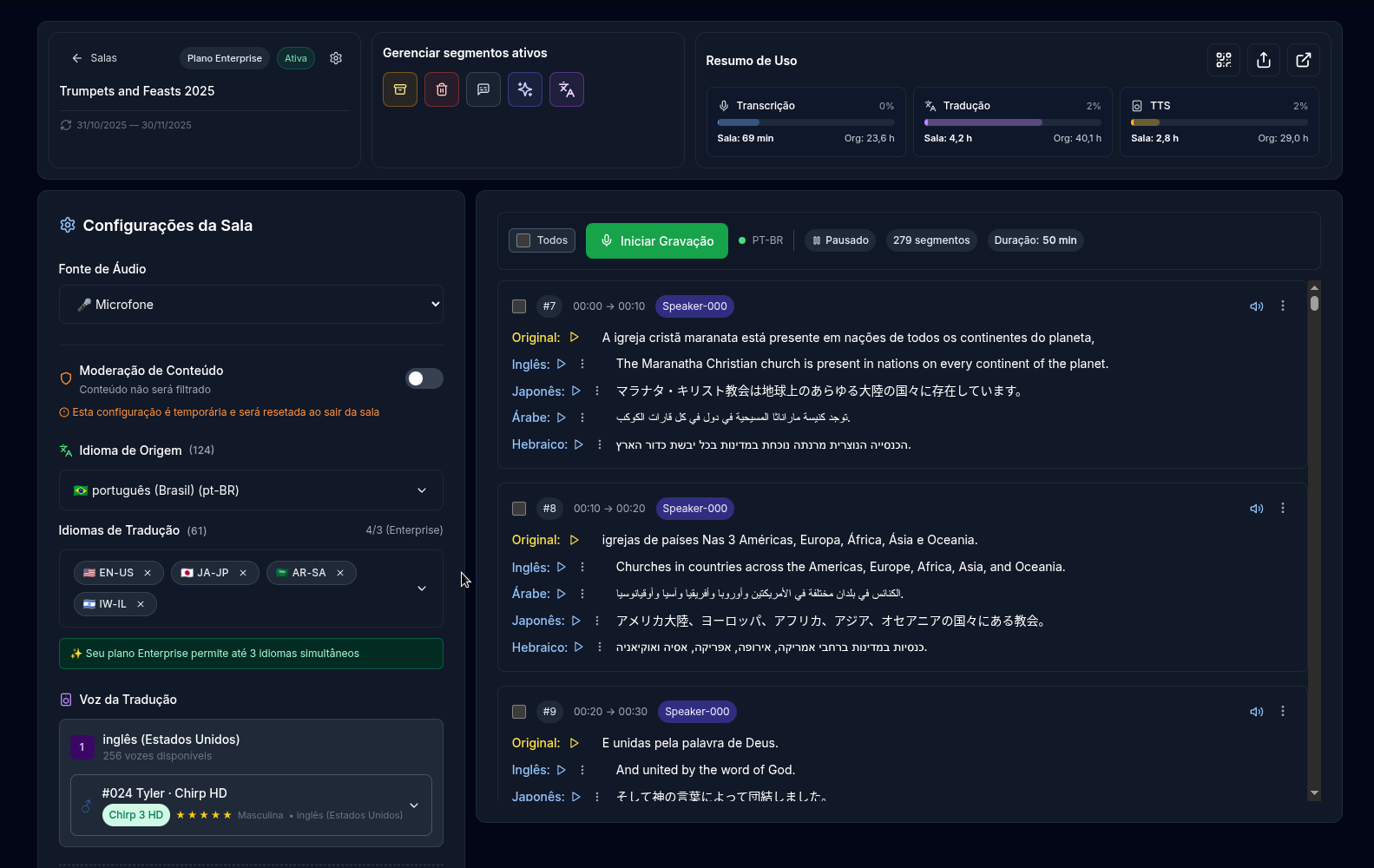
1. Open “Manage Active Segments”
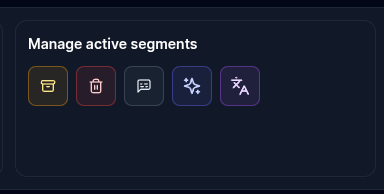
Once a session has been transcribed and processed, open the “Manage active segments” panel in your project.
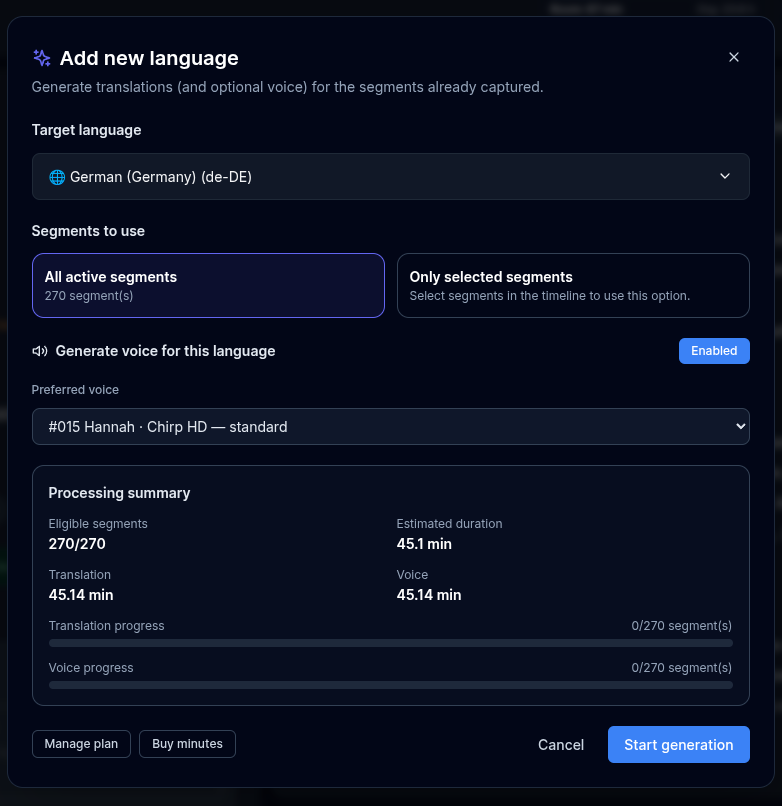
2. Click “Add new language” to open the modal
A modal appears with options to:
- Select the target language from available ones (excludes languages already processed).
- Choose to apply to all segments or only selected ones.
- Enable voice generation (TTS) and select the preferred voice for that language.
- View estimated duration (translation + voice), and see quota cost before confirming.
3. Decide scope: all segments or only a few
You can either:
- Translate/dub the entire recording — ideal for full replays.
- Or process only specific segments — useful for summaries, highlights, or promotional edits.
4. (Optional) Enable full TTS: translation + voice
If you enable voice generation, the system will automatically:
- Translate the selected segments into the new language.
- Generate high-quality, synchronized audio using the chosen voice.
- Make the newly created translations and audio tracks immediately available for replay, subtitle export, or download.
This lets you create ready-to-use dubs in different languages with virtually no extra manual work.
5. Process asynchronously, review and deploy
The job runs in the background. Once completed, the new translations — text or audio — are:
- Available immediately for replays;
- Exportable as subtitles (SRT), transcripts, or audio files;
- Ready for use in promotional materials, global distribution, or archives.
No need to re-record or re-stream anything.
Why This Matters: Real Impact for Content Creators
🌐 Expand Global Reach Instantly
A single recorded event can now serve audiences across many languages. Whether you run a multicultural church, a global organization, or a multilingual community — you’re no longer limited to the languages you chose at broadcast time.
💸 Maximize Return on Investment
A recording becomes a long-term asset. With minimal extra cost (just translation/TTS quota), you can repurpose content across regions, languages, and platforms — dramatically increasing your content’s lifetime value.
⏱️ Save Time and Effort
No more manual re-transcription, no re-shoots, and no complicated workflows. The process is entirely automated, intuitively integrated, and designed for real-world post-production use.
📦 Always Ready for Derivative Content
Need subtitles, highlight reels, voice-over promos, or translated summaries? It’s all possible now — with the same ease as creating the original version.
Pro Tips for Best Use
- For full-length events (church services, long talks, conferences), prefer “all segments + TTS” — to make a fully dubbed version.
- For promotional clips or highlights, select only relevant segments.
- Monitor quota usage — large files need more minutes; schedule heavy jobs during off-peak hours if possible.
- Use different voices when dubbing to multiple languages (where supported) — this adds a professional localized feel.
The Future — And Why You Should Try It Today
Manual Extra-Language Generation transforms how content is managed after an event. Instead of a static recording, you get a living, multilingual asset — ready to be shared, reused, and repurposed.
If you're looking to elevate your content’s impact, reach new audiences, or simply make your work more accessible globally — this feature is a game-changer.
👉 Try it in your next project and see how one recording becomes many.